Is Signing a PDF Legally Binding? The Three Tiers Explained
Yes — electronic signatures are legally recognised in most countries, including under the eIDAS regulation in the EU and the ESIGN Act in the United States. But "legally valid" covers a wide range, and the method you choose determines which end of that range you land at.
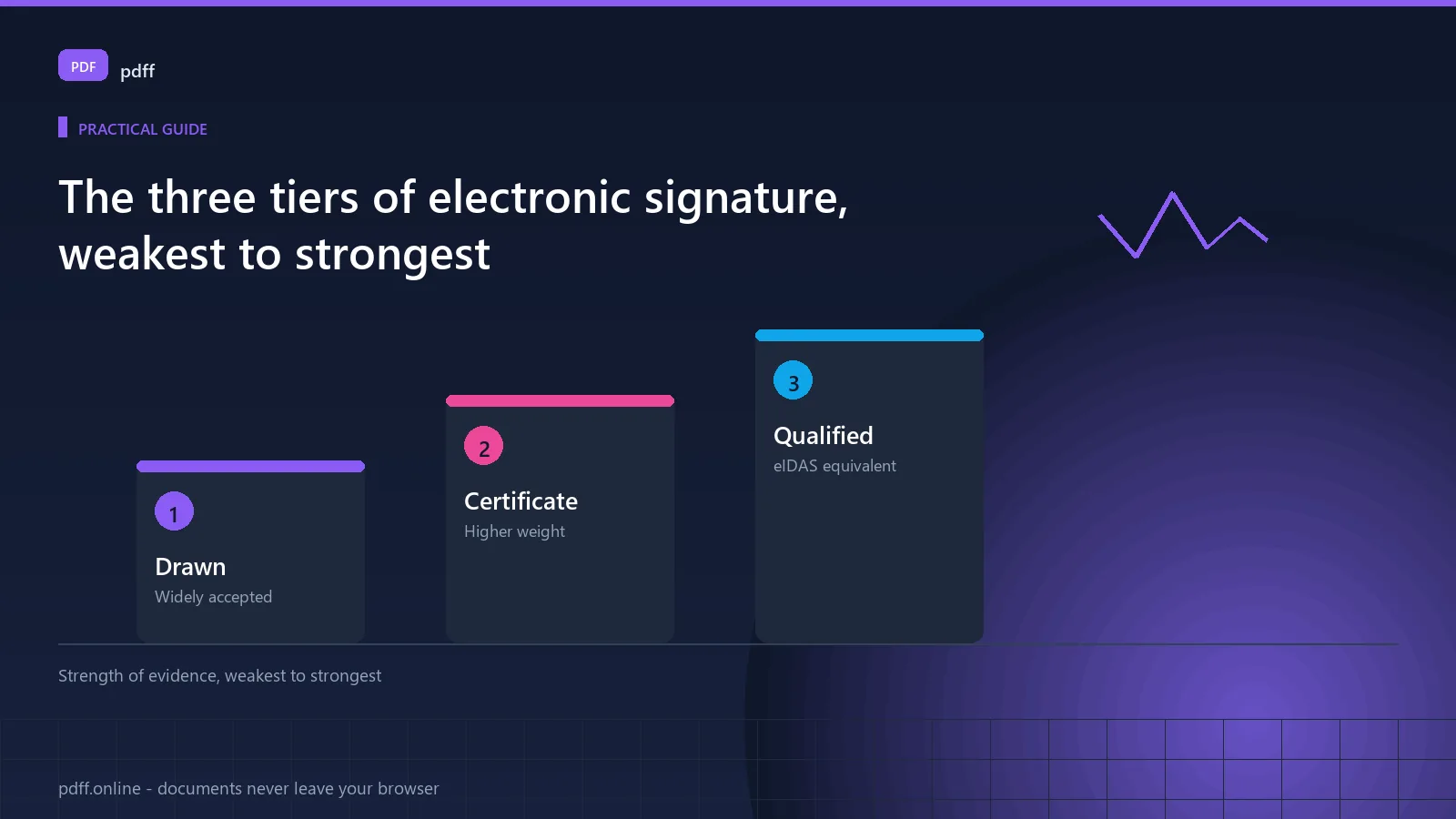
Three tiers, and only one is a digital signature
| Tier | What it is | Where it stands |
|---|---|---|
| 1. Electronic signature | Your name, a drawing, a typed name, an image of a wet-ink signature | Legally recognised almost everywhere. This is what most people mean and most forms require. |
| 2. Advanced electronic signature | Adds a certificate and proves the signer controlled a key at the time | Higher evidential weight. Required in some B2B, financial and public procurement contexts. |
| 3. Qualified electronic signature | Backed by a certificate from an accredited trust service provider | The legal equivalent of a wet-ink signature under eIDAS. Cannot be denied legal effect. |
The distinction that matters. A signature you draw and flatten into a PDF is a Tier 1 electronic signature. It is not Tier 2 and it is not Tier 3, and no tool can convert it into either. If a counterparty asks for a qualified or certificate-based signature, they need a different tool entirely.
When an electronic signature is valid
The technology is rarely the deciding factor. Courts and regulators look at intent and attribution:
- Did the signer intend to sign? The most important factor by far.
- Can the signature be reliably attributed to a specific person?
- Is the document integrity intact? Did anything change after signing?
- Did the signer consent? Explicitly, or by conduct and circumstance?
- Does the method comply with any specific requirement? Some sectors mandate a particular standard.
In practice, a drawn signature on a contract that both parties discussed and agreed to is valid. A certificate signature on a contract nobody discussed is not, however cryptographically strong.
Five mistakes that invalidate signatures
1. Signing before the document is final
If the document changes after signing, the signature no longer covers what was signed. This is the most common real-world failure.
2. Not flattening
An unflattened signature sits as a layer. It can be separated from the document, moved to a different page, or replaced. Some receiving systems reject unflattened files outright.
3. Signing a blank or incomplete document
A signature over an empty page does not make the filled-in version authentic. Fill, review, then sign.
3. Using a signature image the signer did not create
Copying someone's signature from an old document is forgery, regardless of how well it looks.
5. Ignoring the counterparty's requirement
Check first. Some portals will only accept a certificate-based signature. Finding this out after signing means starting again.
The correct order of operations
- Complete the document in full. Every field, every page.
- Review it. Read what you are signing.
- Sign.
- Flatten immediately. Bake the signature into the page.
- Verify. Confirm the signature is in the file and cannot be moved.
- Keep a record. Date, counterparty, and a copy of what you signed.
Signing is step three, not step one. The most common document-signing error is treating the signature as the last-minute formality rather than the final step in a review process.
Signing sensitive documents
A contract, a tax form or a bank application may contain information you would not paste into a web form. If a signing tool uploads your document, you are handing it to that operator.
Signing locally, in the browser, avoids that entirely. The signature image and the document never travel to a server. For a document containing your financial or personal details, that is a reasonable condition rather than a refinement.
Common questions
Is a typed signature legally binding?
Usually yes, where the signer clearly intended to sign and the document can be attributed to them. It is weaker evidence than a drawn signature, and weaker still than a certificate signature. Most ordinary agreements do not require more.
Can a PDF signature be removed?
A drawn, unflattened signature can be separated fairly easily. A flattened signature is part of the page content and is much harder to remove, though not impossible with forensic tools. A certificate signature is cryptographically bound to the document and cannot be removed without invalidating it.
Do I need a certificate-based signature?
Only if a specific counterparty requires one. Government procurement, some banking processes and regulated industries mandate a particular standard. For ordinary contracts, an employment agreement or a tenancy, a drawn signature is normally sufficient.
Does compressing a PDF after signing invalidate it?
For a drawn, flattened signature, no. For a certificate-based digital signature, yes — recompressing changes the file structure and the signature will fail validation. Sign last if compression is needed.
Is a scanned wet-ink signature acceptable?
Frequently yes, and it is common in practice. It sits between a drawn signature and a digital signature in evidential weight, and some counterparties will not accept it.
Try it yourself
Works in your browser. The file is never uploaded to a server.
Sign a PDFFree, no sign-up, no upload. Works offline once loaded.
No analytics on this page
This page ships without a tracking script. Aggregate analytics are collected only on the tool pages, and only if you accept them in the cookie banner. No document you open is ever transmitted. See the privacy policy.