How to Compress a PDF to an Exact File Size (100KB, 200KB or Any Target)
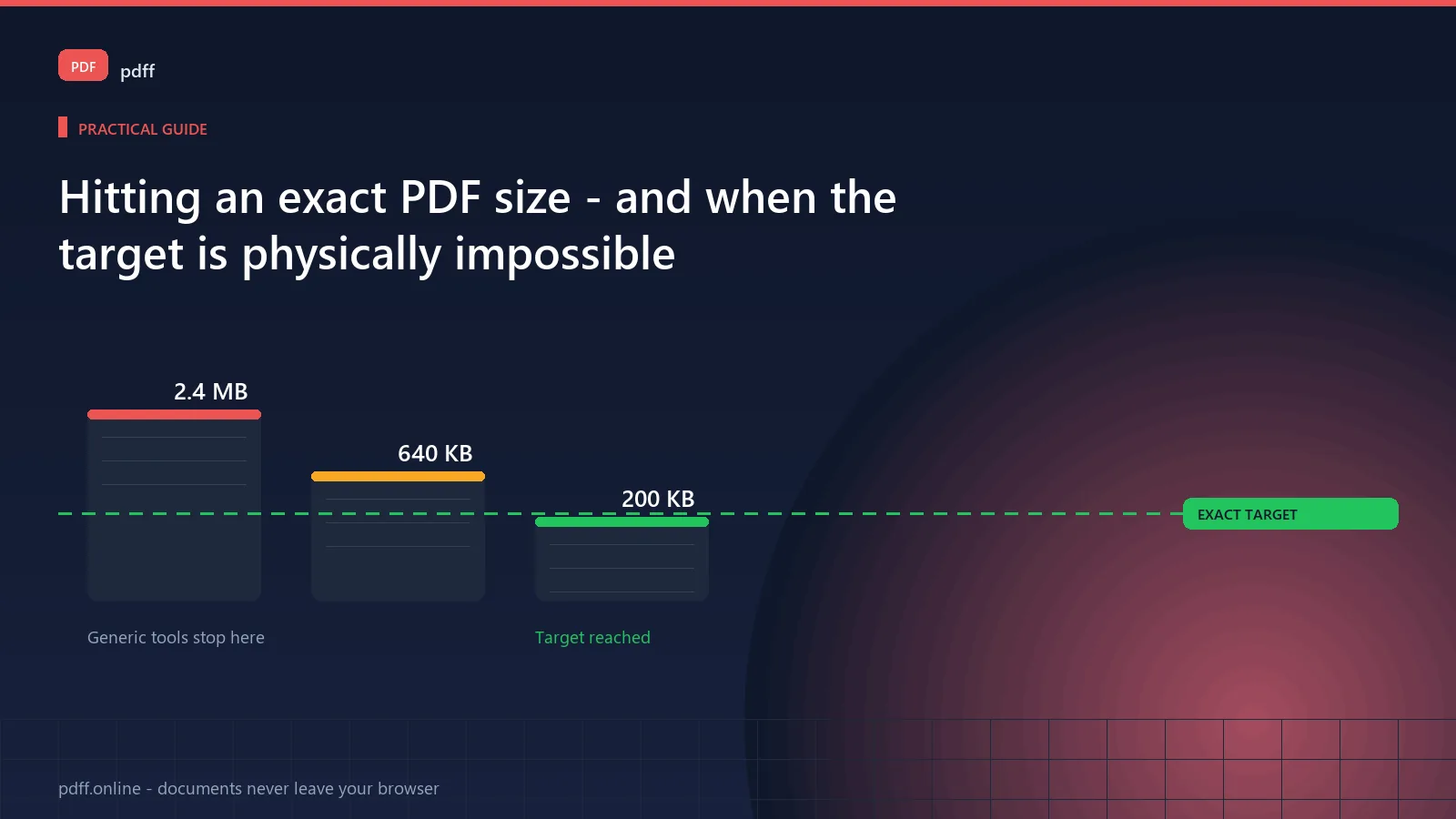
Most "compress to 200KB" tools quietly miss the target and still call it 200KB. This guide explains why exact-size compression is harder than it looks, what upload limits actually are, and how to hit a number you can verify.
Here is the thing worth knowing up front: PDF compression cannot always reach an exact size. A PDF has a floor below which it cannot be compressed without destroying the content. If a form is image-based and dense, 200KB may be physically impossible. Any tool that guarantees it will hit is either lying or silently degrading your document.
What these upload limits actually are
The number is not arbitrary. It comes from four places:
| Where you hit the limit | Typical cap | Why it exists |
|---|---|---|
| Email attachments | 10–25 MB | Set by your provider so mail servers do not choke |
| Government and tax portals | 2–10 MB, sometimes 500KB | Document management systems with fixed storage tiers |
| Banking KYC and identity uploads | 1–5 MB | Compliance systems fronting a scanning pipeline |
| University and job portals | 1–2 MB per file | Applicant tracking systems with per-record caps |
Note the pattern: the tightest limits belong to the systems you most need to upload to. A bank asking for a 500KB scan is not being unreasonable — it is running regulated identity verification with a fixed storage budget.
Why hitting an exact size is genuinely hard
PDF compression works by discarding or recompressing content. Three mechanisms do the work:
- Image downsampling. Screenshots and scans are usually the bulk of the file. Halving each dimension cuts the pixels by 75%.
- JPEG quality reduction. Lower quality means smaller files and visible artefacts. There is a floor past which text becomes unreadable.
- Font and resource deduplication. Embedded fonts get reused across pages instead of stored repeatedly. Often a large, lossless win.
- Object stream optimisation. Packing repeated structures more tightly. Lossless, so worth doing first.
The problem is that these interact. Halving image dimensions may drop you to 400KB; then reducing JPEG quality to reach 200KB may make a signature illegible. There is no free lunch, and any tool implying otherwise is rounding.
The floor: when 200KB is impossible
A PDF has a hard floor set by its content. Work out honestly which situation you are in before you start.
- Scanned pages — a 10-page scan at 300dpi is routinely 3–10MB. Reaching 200KB means roughly 20KB per page, which is about 150×150 pixels. Text will be unreadable.
- Image-heavy brochures or invoices — photograph-like content compresses badly by design.
- Long documents — a 60-page report will not fit in 200KB at any legible quality.
If you are in one of these cases, compressing further is the wrong fix. Crop the pages you do not need, delete the blank ones, or split the document and upload in parts.
What to do instead when the floor is real
- Reduce page count. Delete blank pages, or upload only the pages the form asks for.
- Convert to greyscale. A colour scan at greyscale is roughly a third the size with no loss of legible content.
- Convert to JPEG at lower resolution. For photos and scans, 150dpi is usually adequate and halves the file.
- Split across multiple uploads if the portal allows it.
- Ask whether you need the document at all. Some portals accept a phone photo taken directly, which skips PDF entirely.
How to actually hit the number
A method that works, in order:
- Start with lossless. Run deduplication and object optimisation first. No quality change, and it sometimes gets you most of the way.
- Convert to greyscale if the document has no meaningful colour. This is free quality-wise and cuts a lot.
- Then reduce image resolution to 150dpi. Text stays readable; 300dpi was rarely needed for screen viewing.
- Only then reduce JPEG quality, in steps, checking legibility after each.
- Verify the final size before uploading. Do not trust the tool's label.
The verification step nobody does
Open the exported file and check three things:
- Its actual size in your file manager, in bytes or KB.
- That every page is present and in the right order.
- That small text — a signature, a total, a reference number — is still readable when zoomed.
Most portals reject anything over the limit, and some reject files that look over it. Checking the bytes takes five seconds.
Tools that will not get you there
Being specific about which tools handle this, because the difference is the whole point:
| Tool type | Behaviour | Will it hit an exact target? |
|---|---|---|
| Generic "compress PDF" tools | Apply a preset compression level and report whatever comes out. The big names — PDF24, Sejda, PDFCompress — all work this way. | No. They optimise; they do not target. |
| Exact-size tools | Iterate on quality and resolution until the target is met or the floor is reached. | Yes, or it tells you it cannot. That distinction is the entire value. |
| Print-to-PDF re-export | Re-saves through a print pipeline. | Usually. Often the fastest route when you control the source document. |
Note what is absent: the major general-purpose tools do not compete here. They optimise for a good-looking file, which is a different goal from hitting a number the portal will accept.
Why the file size does not matter for privacy
Worth stating, because it is unusual for a compression tool to say this: compressing a document locally does not weaken its privacy, and does not require uploading it anywhere.
Compression is arithmetic. The same work a server would do can be done in your browser, and when it is, the file never leaves your device. There is no upload, no temporary copy on someone else's disk, and nothing to subpoena. A privacy-sensitive document — a payslip, a medical form, a contract — can be shrunk to fit an upload limit without being handed to anyone.
If a tool tells you it must upload your file to compress it, that is a choice it made, not a technical requirement.
Common questions
Why is my compressed PDF larger than I expected?
Three usual reasons. The document contains high-resolution images that dominate the size. The content is already well optimised, so there is little to remove. Or the file contains embedded fonts and certificates that are necessary and cannot be dropped. In all three cases, the fix is fewer pages or lower image resolution, not a stronger compressor.
Can I compress a PDF below 100KB?
Only if it is genuinely short. A single-page text document can reach that. A scanned document cannot, and a tool that produces a 100KB version of a scan has destroyed the content. Use the 100KB tool to find the real floor for your file.
Does compressing reduce text quality?
Not by itself. Compression of text and vector content is lossless. Quality loss comes specifically from reducing images. A text-only PDF compresses to a fraction of its original size with no visible change.
Will the portal reject my file if it is slightly over?
Most do, without exception. A 2.1MB file against a 2MB limit is rejected. Some portals also reject files whose reported size looks over the limit even when the content is not, so checking the actual bytes matters.
Should I compress before or after signing?
Sign first, then compress. Compression after signing changes the file structure, which can invalidate a certificate-based digital signature. If you are applying a visible signature image, either order works, but signing last is safer.
Why do different files of the same page count compress so differently?
Page count is a poor proxy for size. A ten-page text document can be under 200KB. A ten-page scan at 300dpi is several megabytes. What matters is image resolution and image count, not how many pages there are.
Try it yourself
Works in your browser. The file is never uploaded to a server.
Compress to 200KBFree, no sign-up, no upload. Works offline once loaded.
No analytics on this page
This page ships without a tracking script. Aggregate analytics are collected only on the tool pages, and only if you accept them in the cookie banner. No document you open is ever transmitted. See the privacy policy.